First Git connection
Info
The Git service OAuth integration needs a manual operation for finalization. This has to be done only once to finalize TOC instance deployment.
This is mandatory to push automation of the platform deployment further to create the akadmin account directly into the Git service (not oauth-linked) and finalize by linking this account with the Identity Provider.
Gather
- Initial git admin account's password is:
- the value of the
toc_git_admin_passwordvariable. - in the
group_vars/toc/secrets/admin_git.ymlfile.
- the value of the
To retrieve it:
Tip
Depending on your setup, this file might be ansible-vaulted , in this case you can:
Operate
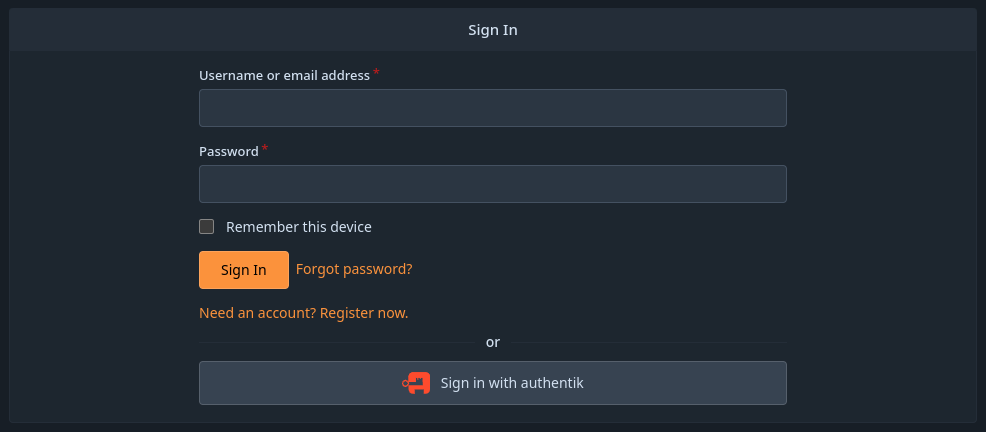
- Click
Sign in with Authentik - Login as
akadmin - You will be redirected to an account linking screen:
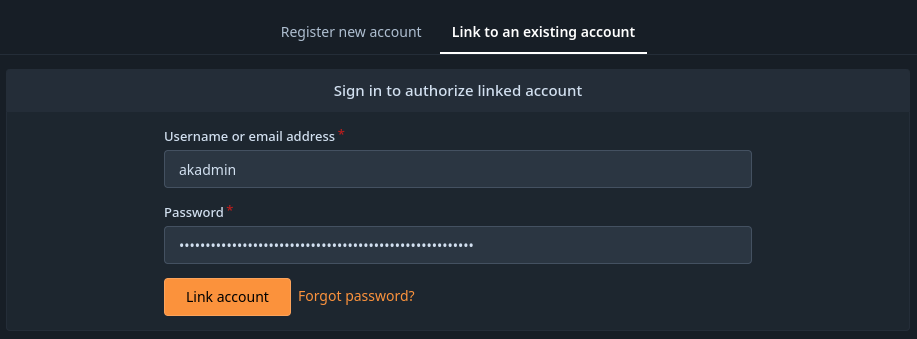
- You MUST here:
- input the value of
toc_git_admin_password - Validate via the
Link accountbutton
- input the value of
Success
You're done with Git Oauth integration. From now on, every login on this service should be done through the Authentik portal.